Bible Challenge
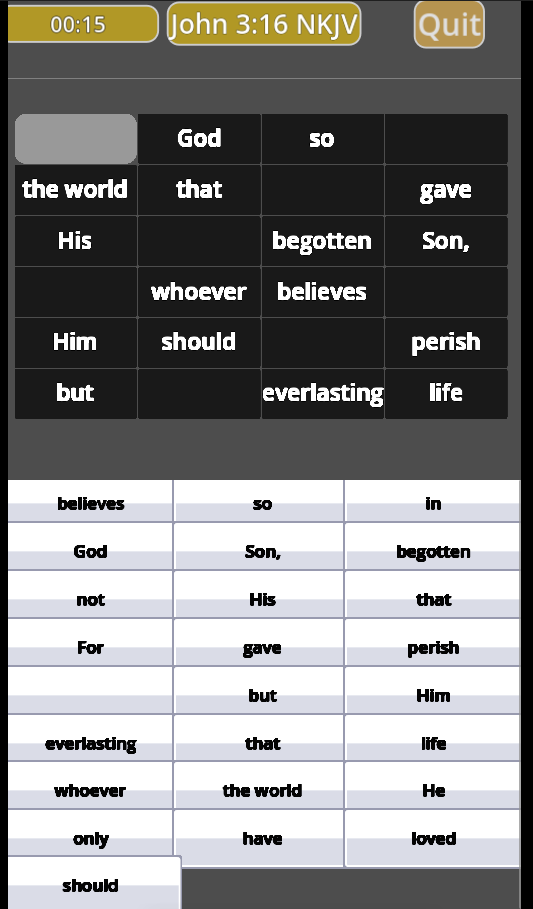
Test your memory of Bible scripture by tapping on the correct word to fill in the blank spaces in the scrolling verse.
How to start:
Bible Challenge Instructions
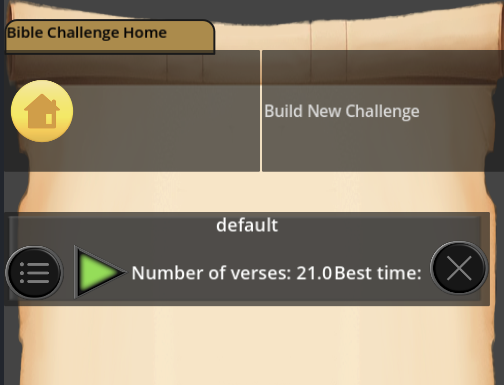
Run the default challenge by clicking the run icon or create your own challenge by clicking ‘Build New Challenge’.
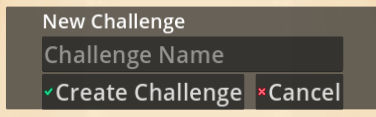
Name the challenge and click 'Create Challenge'
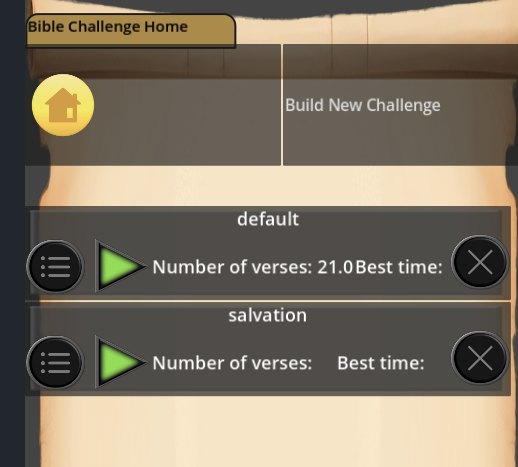
After saving the challenge name you can add verses by selecting the edit menu icon for the challenge.
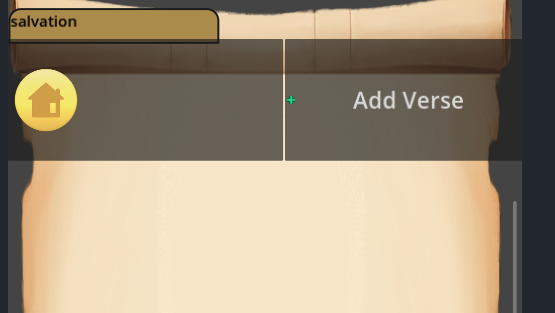
The new challenge is opened with no verses. Click ‘Add Verse’
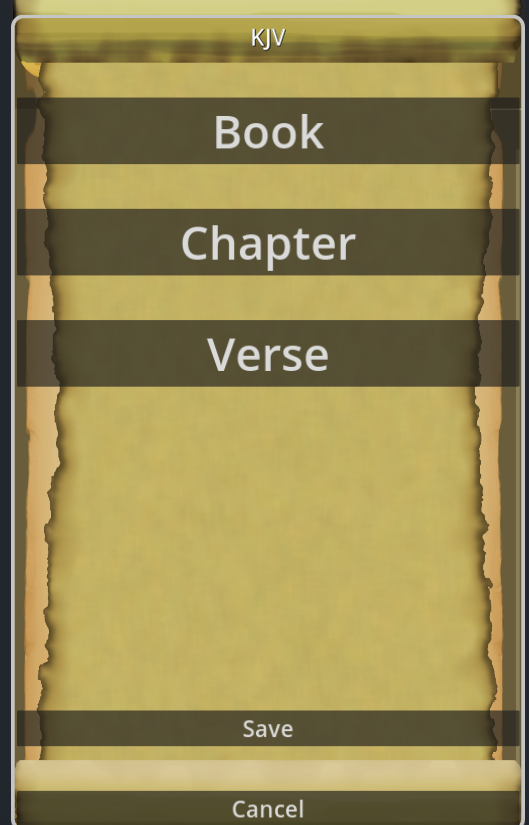
Select the book , chapter and verse for your challenge. Then click ‘Save’.
You can use the ‘Show/Hide’ button like a flash card to help test your recall of the verse.
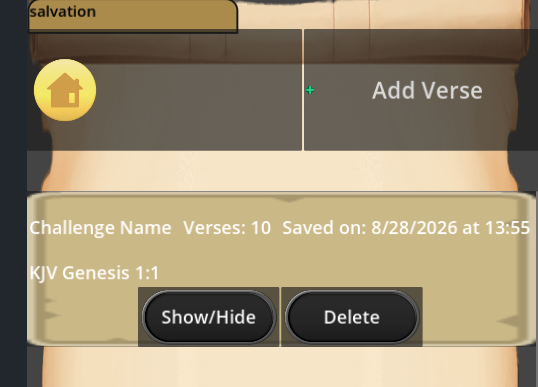
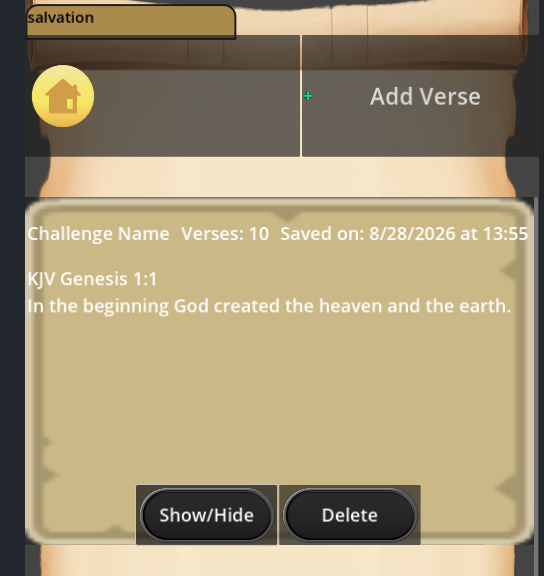
After you have added all the verses to your challenge, click the home icon.
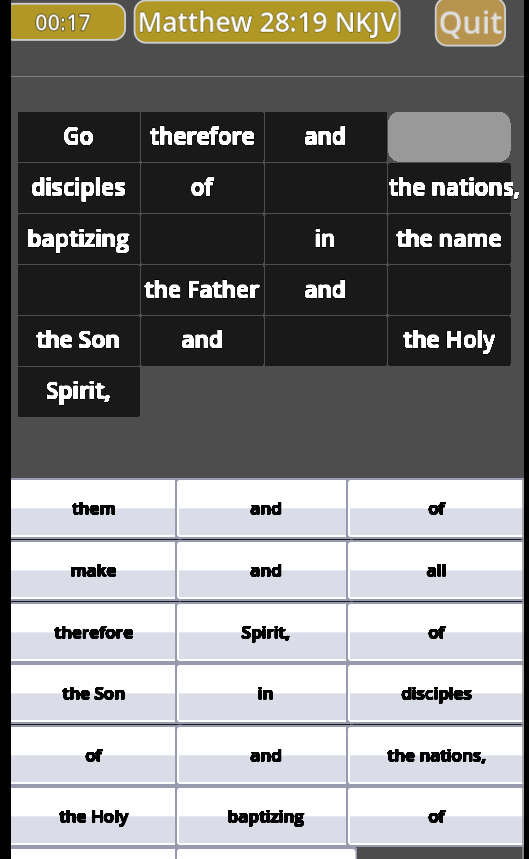
Run your challenge by clicking on the green play icon. The timer starts and you see blanks in the verse. Click or tap the blank and select the correct missing word.
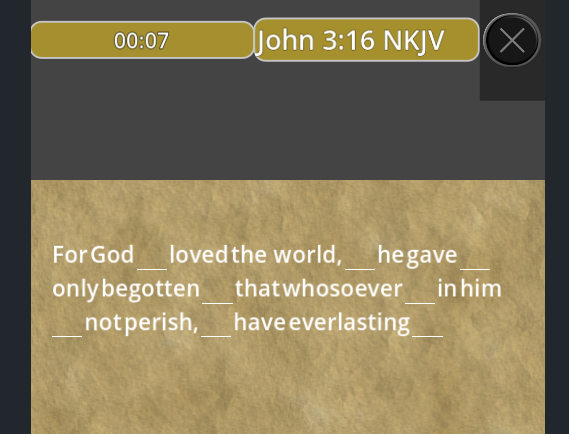
Select the correct missing word.
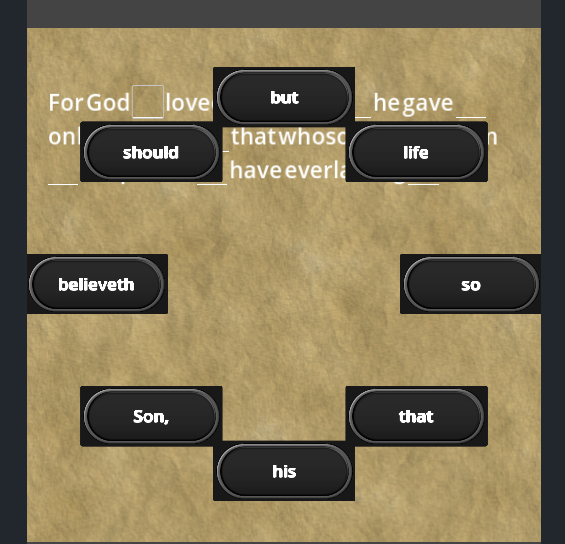
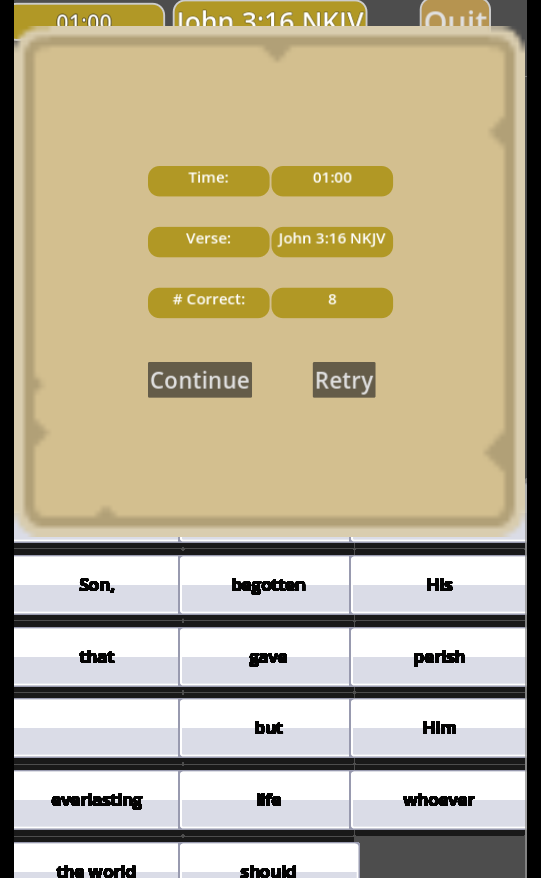
After you complete the verse, the summary will show your completion time.
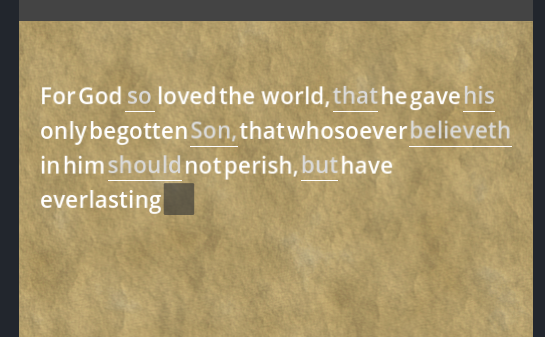
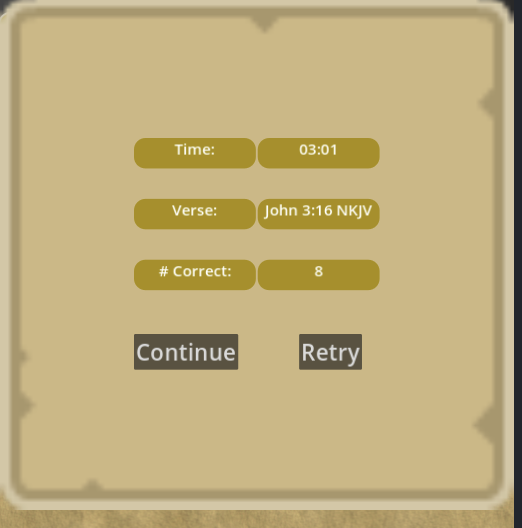
Click Continue to go to the next verse or ‘Retry’ for another chance to beat your best time.
Email support@happyjoystudio.com if you have trouble with the application. Please include details such as what device you are using and if possible, screen captures of the issue.
Thank you and God bless!
Development log
- Bible Challenge Update August 20266 days ago
Leave a comment
Log in with itch.io to leave a comment.